Car valeting management software for dealerships and mobile valet teams.
ValetFlow is car valeting management software for dealerships, mobile valeting teams and vehicle-prep businesses. Book vehicles in, assign staff, track live job progress, upload proof photos, manage recleans, record staff time and create cleaner invoices from one secure dashboard.
Login to ValetFlow
Dealerships and staff can log in here once an account has been created.
Try ValetFlow without touching live data.
The demo uses temporary sample data only. It resets automatically after 24 hours, so customers can test the workflow before buying.
Need help using ValetFlow?
Open the public ValetFlow help centre for separate guides covering bookings, digital job sheets, mobile/PWA use, dealership setup and reclean records.
- Clear guides for each role
- Screenshots showing the main screens
- Useful for staff training and customer demos
Vehicle Check-In
Dealership staff can easily generate comprehensive work orders, specifying vehicle registration, service type, priority level, deadline, location, and custom notes.
Live Progress Monitoring
Monitor pending workflows, track active staff assignments, and view real-time job durations from a single dashboard.
Staff Workflow
Staff authenticate via QR or GPS to self-assign jobs, document vehicle conditions, track breaks, and submit for quality assurance.
Rework Records
Rework tasks remain securely linked to the original work order, providing a complete audit trail that includes the rationale, current status, technician notes, and photographic evidence.
- Dealership Administrator: Looks after their dealership’s account, including staff access, bookings, services and day-to-day setup.
- Dealership Staff: Books vehicles into the system, adds job details and keeps track of work happening at their dealership.
- Valeter: Checks in, picks up available jobs, adds notes and photos, records breaks and marks work as finished ready for review.
- Viewer: Can look through dealership records and job history, but cannot make changes.
- Book the vehicle in: Dealership staff add the vehicle, service type, notes and any special instructions.
- Add it to the live queue: The job appears straight away for managers and valeters to see.
- Start the work: A valeter checks in, selects the job and begins the valet.
- Follow the progress: Managers can see who is working on each car and how long it has been in progress.
- Upload notes and photos: Staff can add proof of work, damage photos or extra notes before finishing the job.
- Review and approve: Management checks the work and either marks it complete or requests a reclean
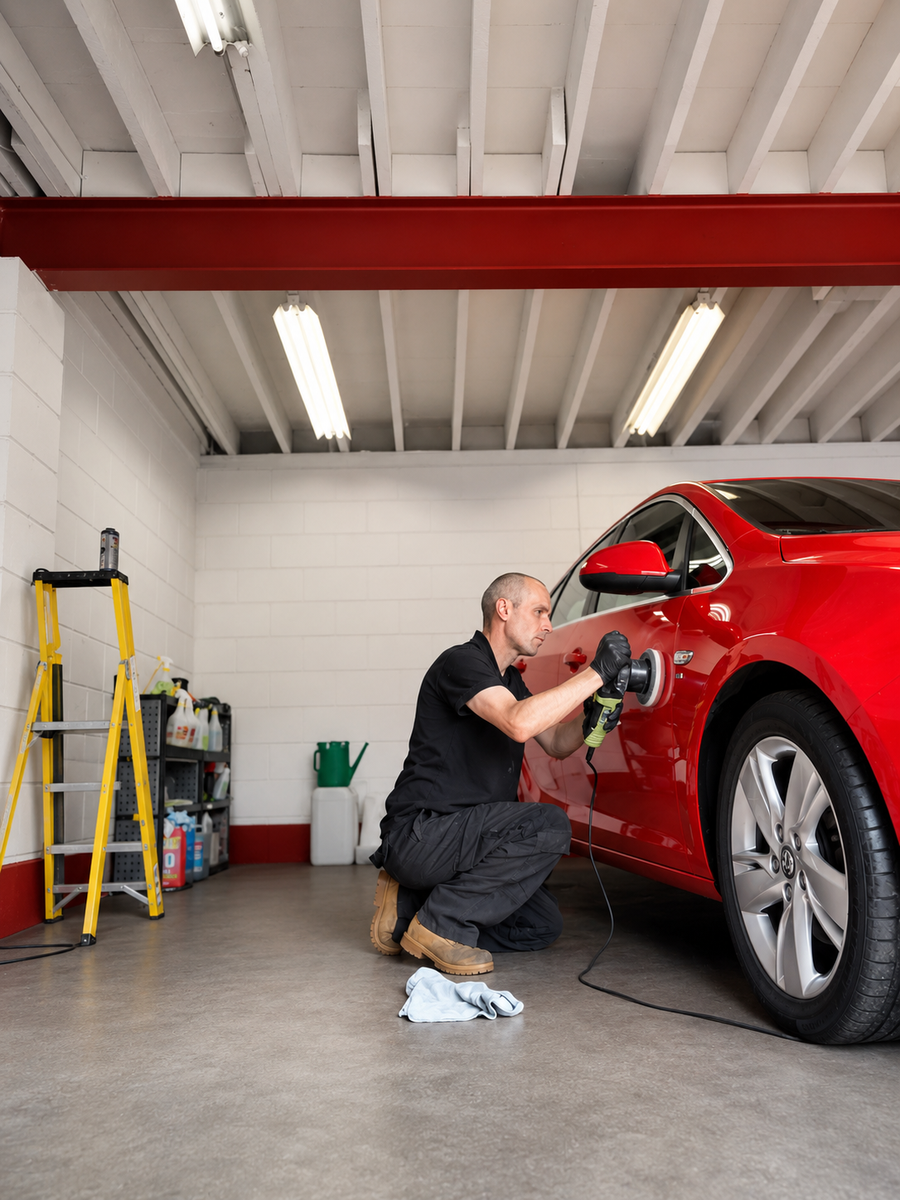
Who is ValetFlow?
Today, ValetFlow empowers teams to move smoothly through their workday with less chasing, fewer missed notes, and seamless communication between dealerships, managers, and staff. The system streamlines the entire process—prioritizing quality assurance, precise time tracking, photographic proof, and a clean workflow—to ensure customers consistently receive professional, top-tier service.
Contact us for a free trial of ValetFlow.
Submit your dealership details, and our team will be in touch to set up your account or provide an invite code.